Windows Desktop App · Python
CESS
College Event Score System.
A desktop application for running a college event end to end: registering participants, logging scores, generating live rankings and exporting proper PDF reports.
Download for WindowsSee What It Does
Free · Open source · MIT
Everything an event needs
From sign-up to final ranking.
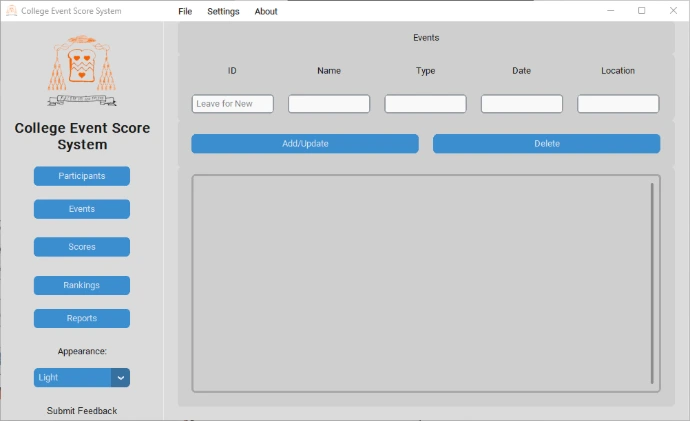
CESS covers the whole lifecycle of running an event, so nothing has to live in a separate spreadsheet on the side.
Participants
Register participants and teams, with built-in validation to keep entries clean and consistent.
Events
Set up the events being run and keep them organised in one directory.
Scores
Log scores against participants and events as results come in, ready to feed straight into rankings.
Rankings
See participants ranked by score for each event, ordered and ready to announce.
Reports
Generate PDF reports straight from your data, and preview them in the app before you print or share.
Backups
Back up your event data and restore from the latest backup, or pick a specific one, when you need to.
Locked down and personalised.
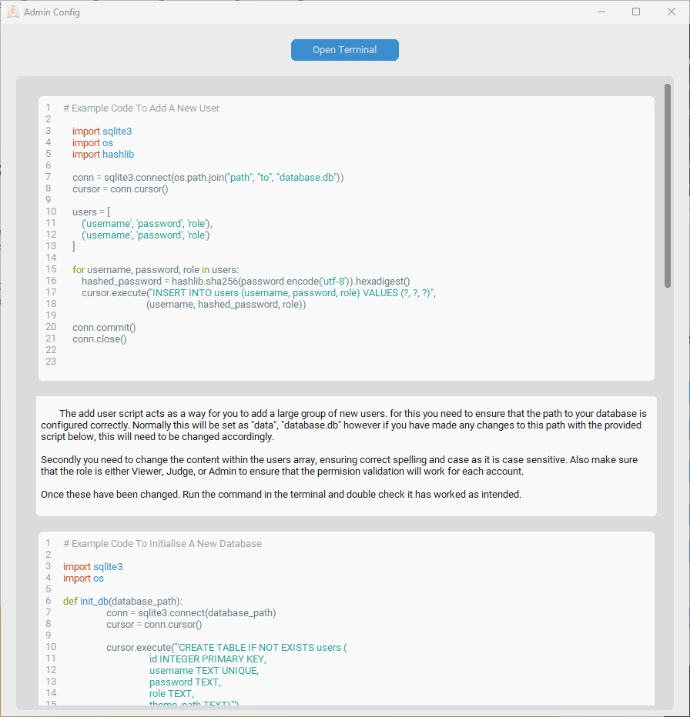
Access to CESS sits behind a login screen, so event data stays in the hands of the people running the event.
Once you're in, the interface is genuinely yours to adjust: pick a colour theme and scale the UI to fit your screen and preference, rather than working around a fixed layout.
Underneath, CESS runs on its own local database, so everything from participants to final rankings stays self-contained on the machine it's installed on.
Where it started
Built as BTEC coursework.
CESS started life as the submitted project for my BTEC Level 3 National Foundation Diploma in Information Technology, Unit 4, Programming Learning Aim C, developing a software solution to meet a client's requirements. It grew well past a one-off assignment: a full CustomTkinter desktop app, packaged with Inno Setup and PyInstaller into a proper installable Windows release, now on version 1.1.
Get CESS
Free to download, free to build on.
CESS is released under the MIT licence. Take the installer, or take the source and adapt it for your own event.
Download for Windows View Source
Python · CustomTkinter · MIT · Questions: [email protected]